All apps
View on App Store
4.7
29.2M ratingsScreenshot story
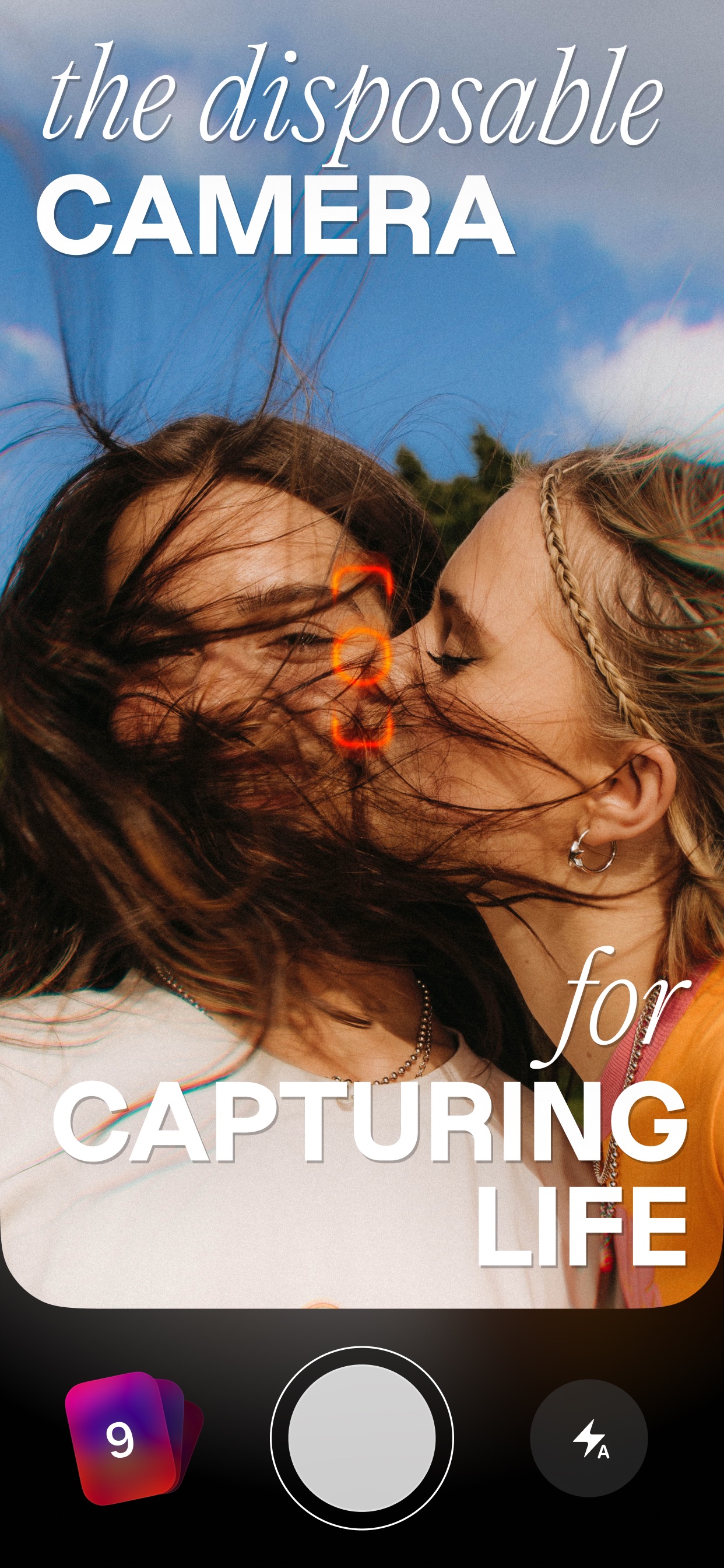
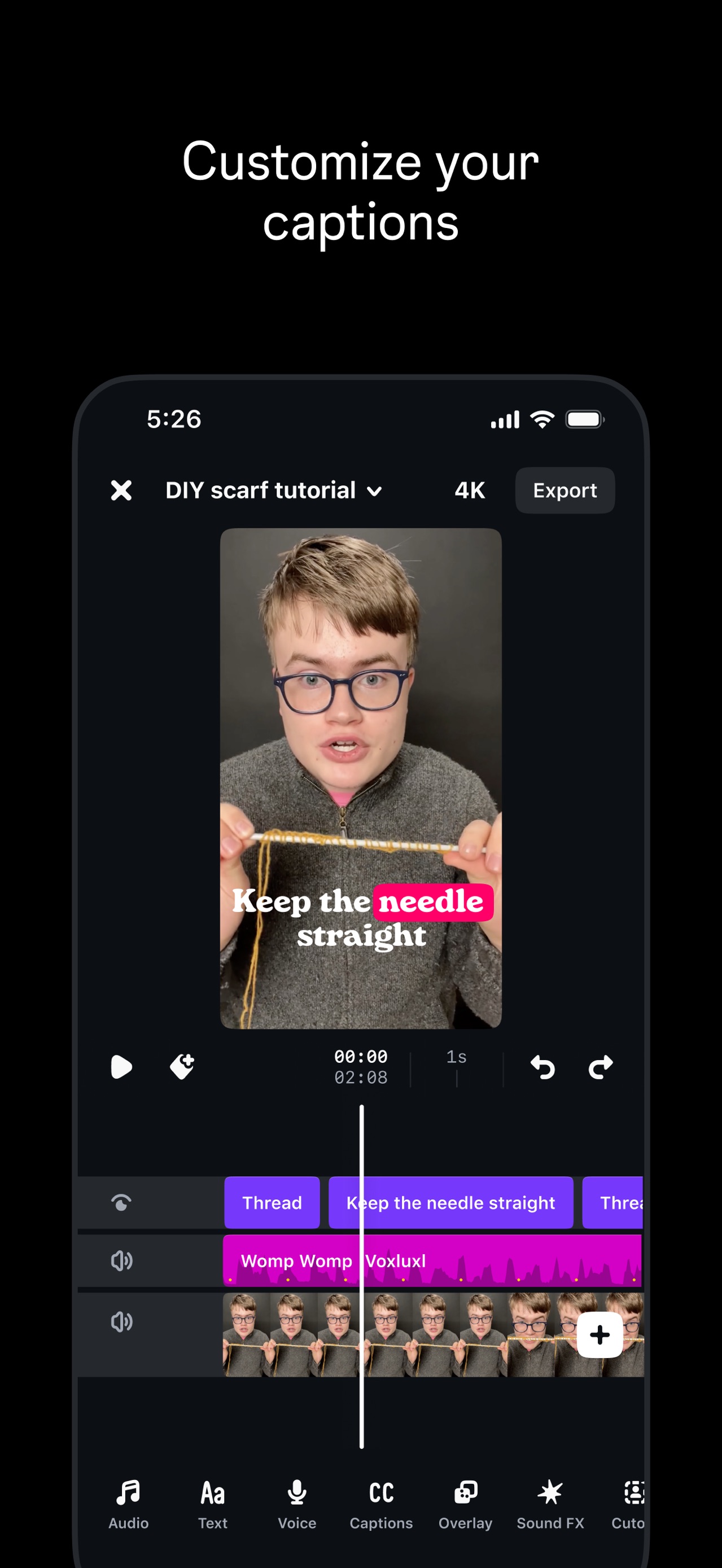
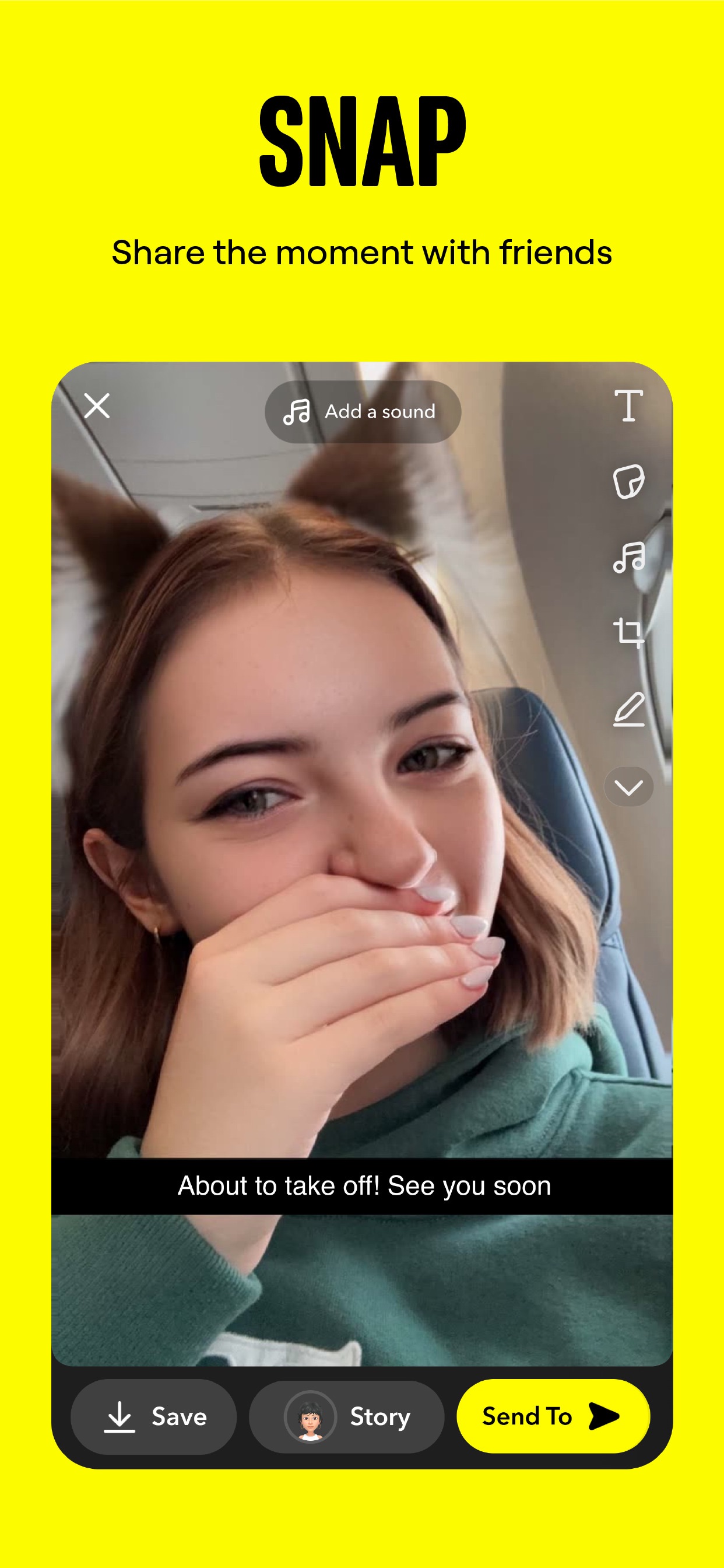
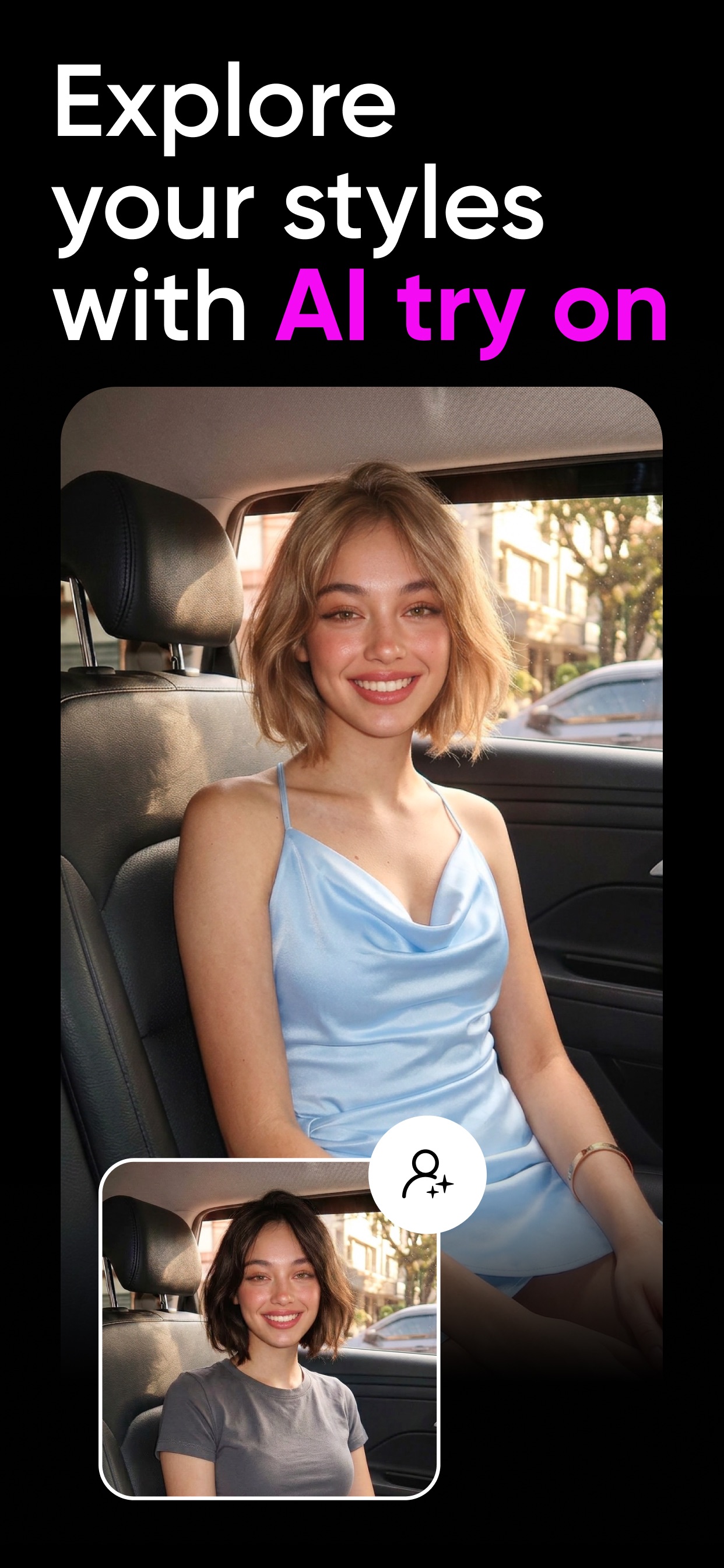
The sequence moves from broad entertainment through Reels to increasingly personal forms of communication-Stories, Feed, and the 'Close Friends' feature-ending with the low-pressure 'Notes' tool.
iPhone gallery
The complete screenshot set
Select any frame to study its layout, content, and palette.
Explore by detail
Study the system behind the set
Design analysis
What makes this set work
Instagram’s screenshot design is a masterclass in 'UI as Hero.' By placing light-mode interface shots against a stark, pitch-black background, the colorful user-generated content naturally draws the eye. The strategy avoids busy lifestyle photography, relying instead on the brand's immense familiarity. A designer can steal the use of the iconic brand gradient as a thin, subtle glow around the floating device frames; it’s a sophisticated way to imply brand identity without using a logo in every frame. The copywriting is sparse but uses intentional typography-like the script font for 'friends' and the circled 'Reels' text-to add a human, creative touch to a otherwise rigid, minimalist layout.
Keep exploring