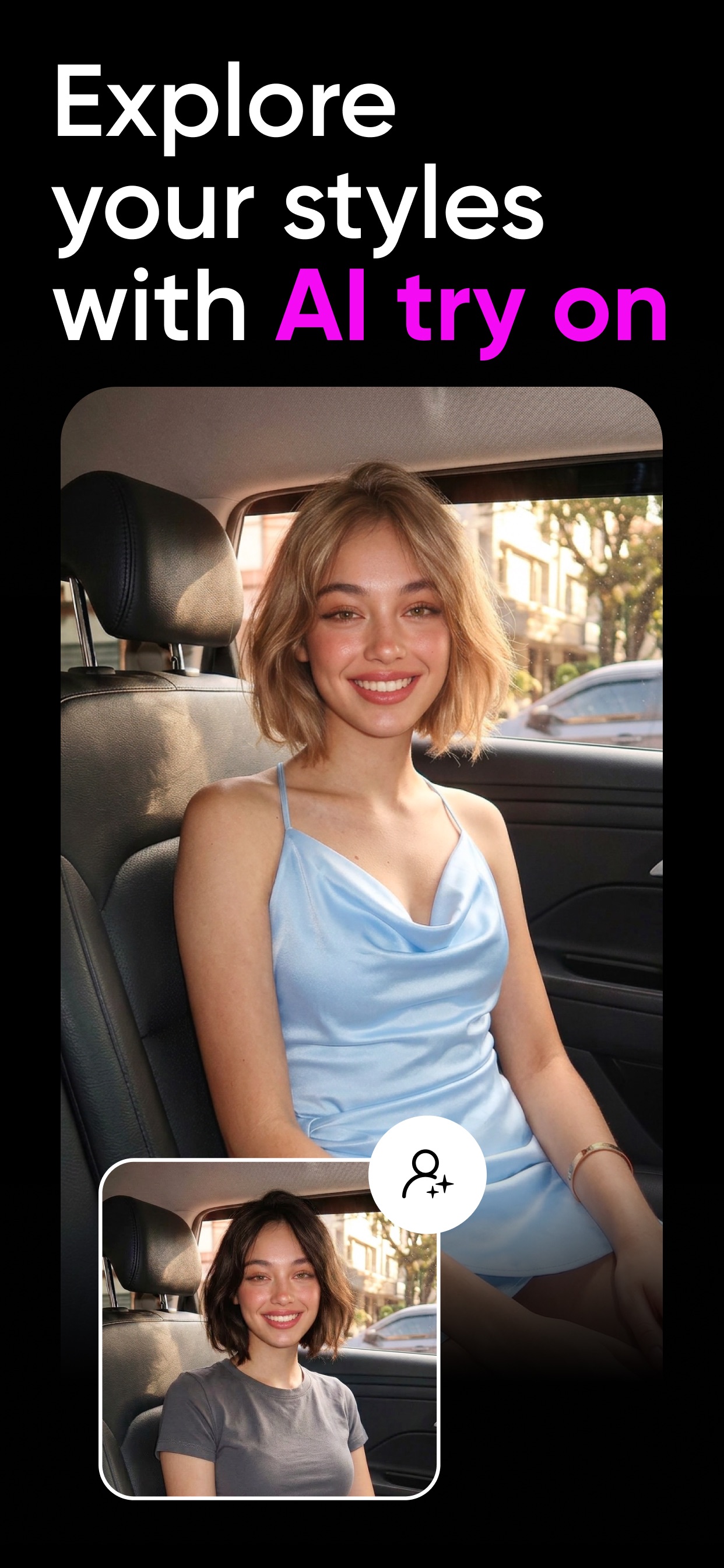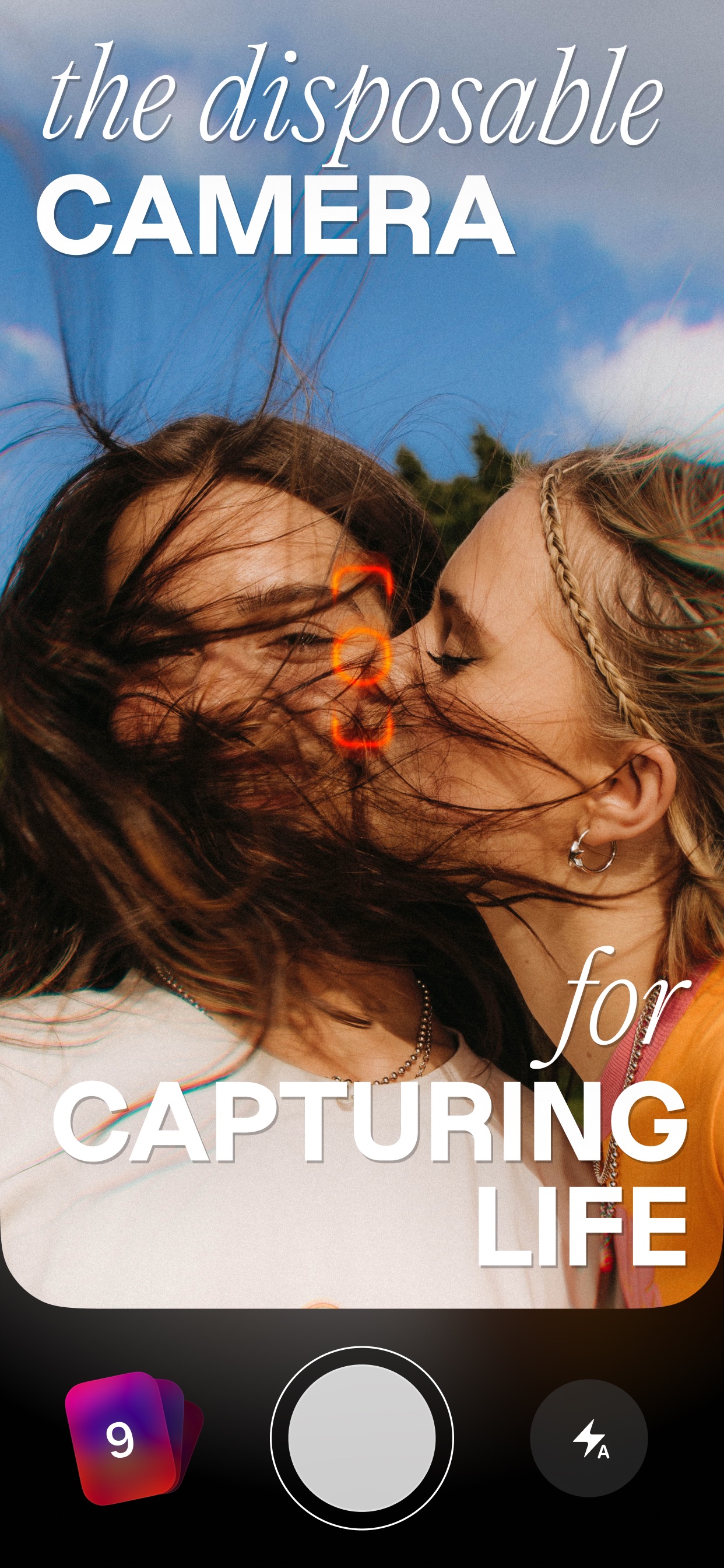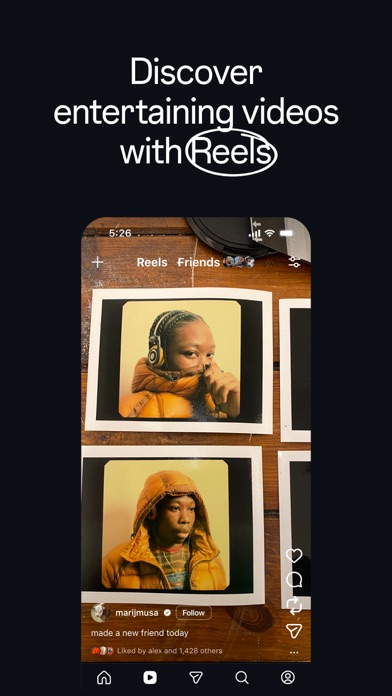
All apps
View on App Store
4.8
67.1K ratingsScreenshot story
The flow begins with advanced editing capabilities like AI captions and background removal, transitions into professional export options, and concludes with utility features for planning and performance tracking.
iPhone gallery
The complete screenshot set
Select any frame to study its layout, content, and palette.
Explore by detail
Study the system behind the set
Design analysis
What makes this set work
Instagram's strategy for Edits emphasizes precision and professionalism through a dark-themed aesthetic that makes high-saturation UI elements pop. The choice of a floating device on a solid black background eliminates distractions, focusing the user entirely on the tool's interface. Copywriting is punchy and benefit-driven, notably highlighting the 'no watermark' feature-a critical pain point for mobile creators. Designers can learn from the intentional shift between dark mode for creative tasks (editing/recording) and light mode for administrative tasks (ideation/analytics), which creates a clear psychological boundary between 'work' and 'strategy' modes within the app's ecosystem.
Keep exploring