All apps
View on App Store
4.8
833.4K ratingsScreenshot story
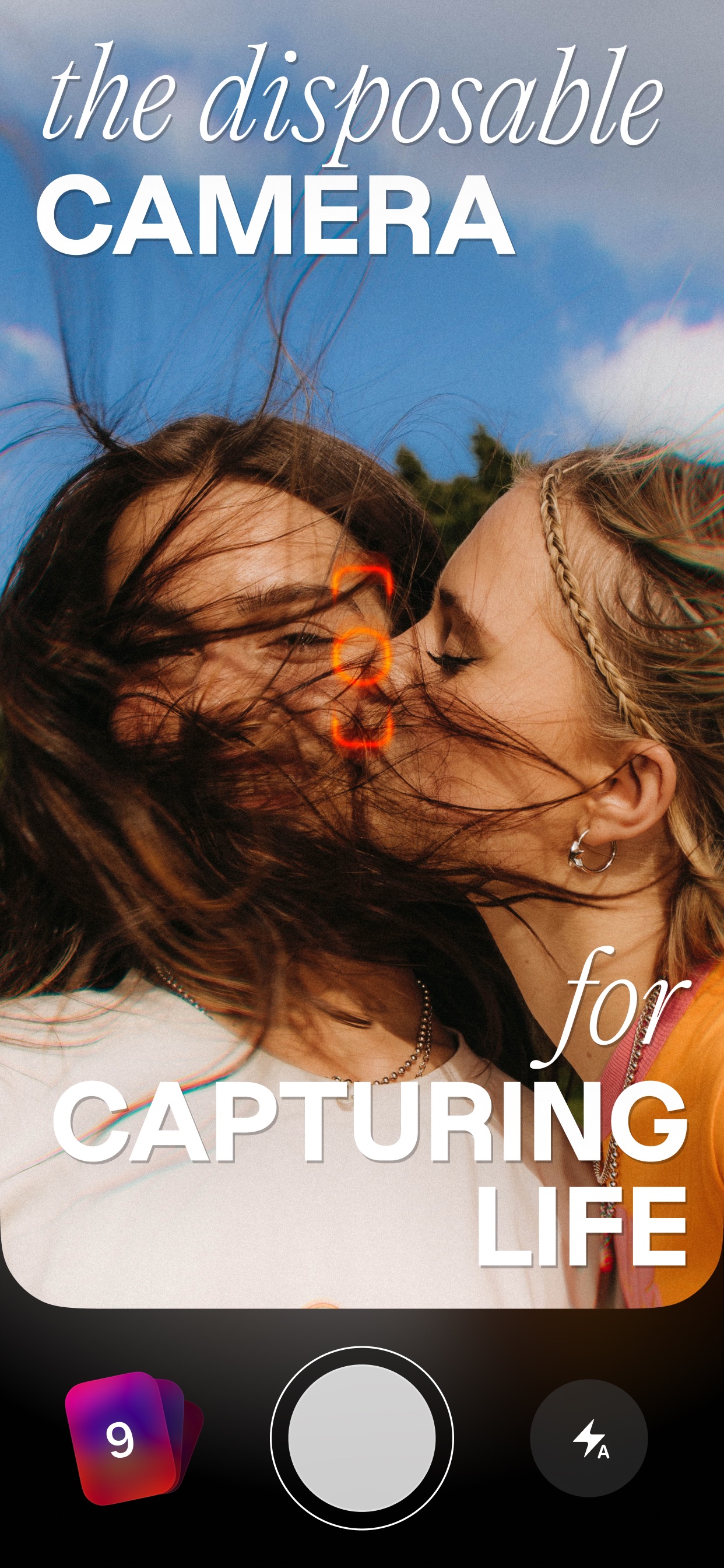
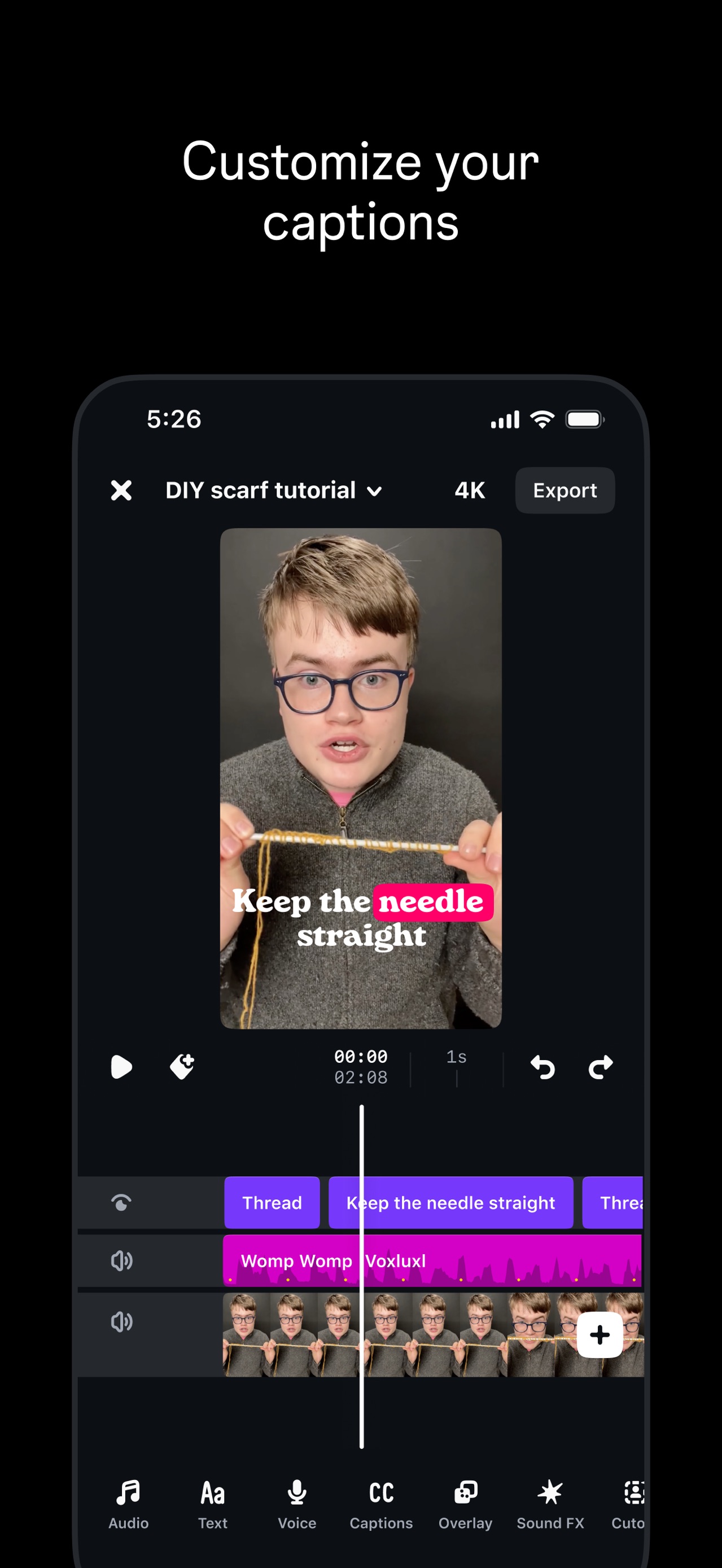
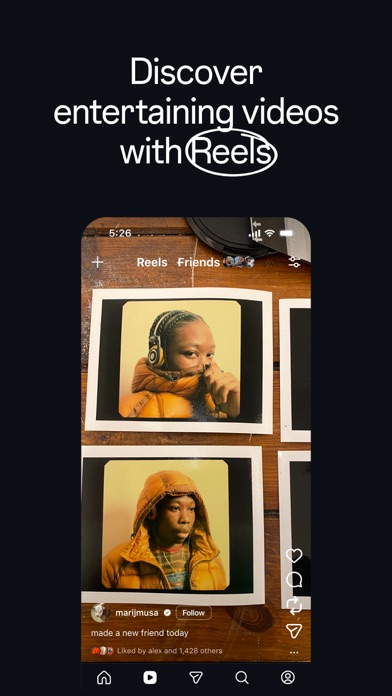
The flow hooks users with 'set it and forget it' automatic video creation, transitions into professional-grade editing and organization features, and ends with hardware-specific powers like remote control and 360-video reframing.
iPhone gallery
The complete screenshot set
Select any frame to study its layout, content, and palette.
Explore by detail
Study the system behind the set
Design analysis
What makes this set work
GoPro Quik utilizes a high-contrast dark mode strategy that allows vibrant action content to dominate the visual hierarchy. By setting floating devices against a deep black background, the bright UI elements and saturated footage feel cinematic. The brand identity is reinforced through 'punk-rock' design accents: white hand-drawn doodles (notes, stars, scribbles) and blue 'painter’s tape' stickers. This juxtaposition of high-tech UI with low-fi artistic elements creates a 'creator' vibe that appeals to adventurers. Designers can learn from the use of 'sticker' overlays as a way to call out specific features (like the Blue GoPro tape) without traditional arrows or text boxes, keeping the layout feeling raw and energetic.
Keep exploring