All apps
View on App Store
3
15.1K ratingsScreenshot story
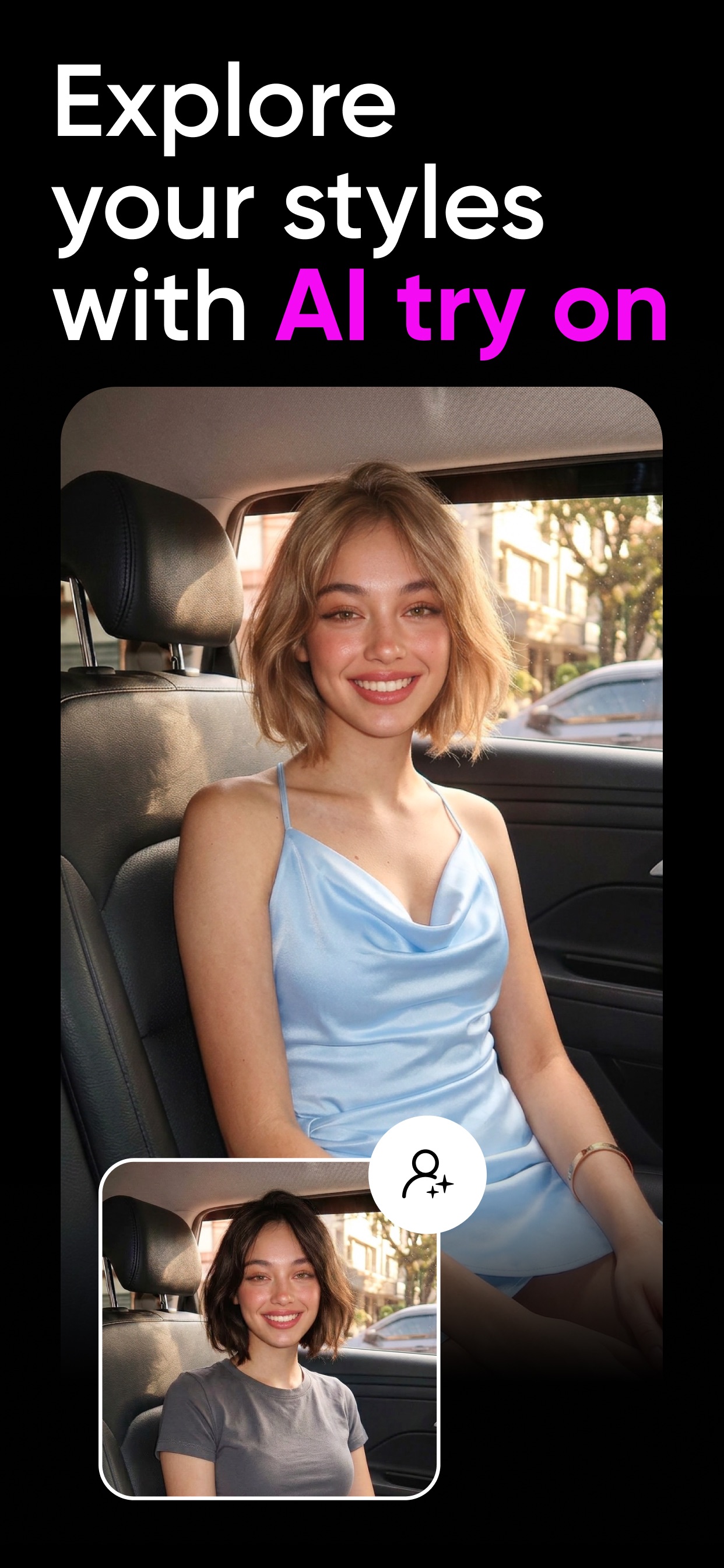
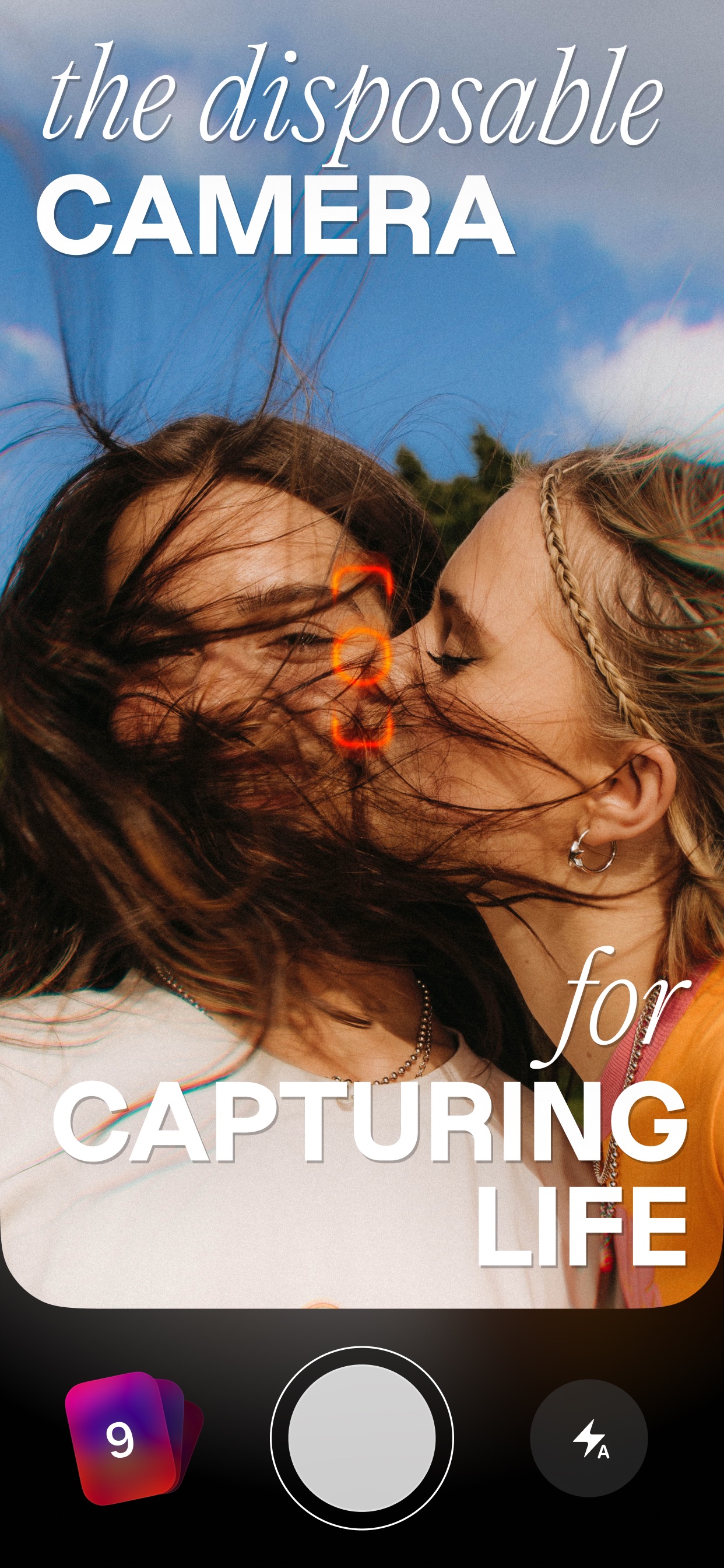
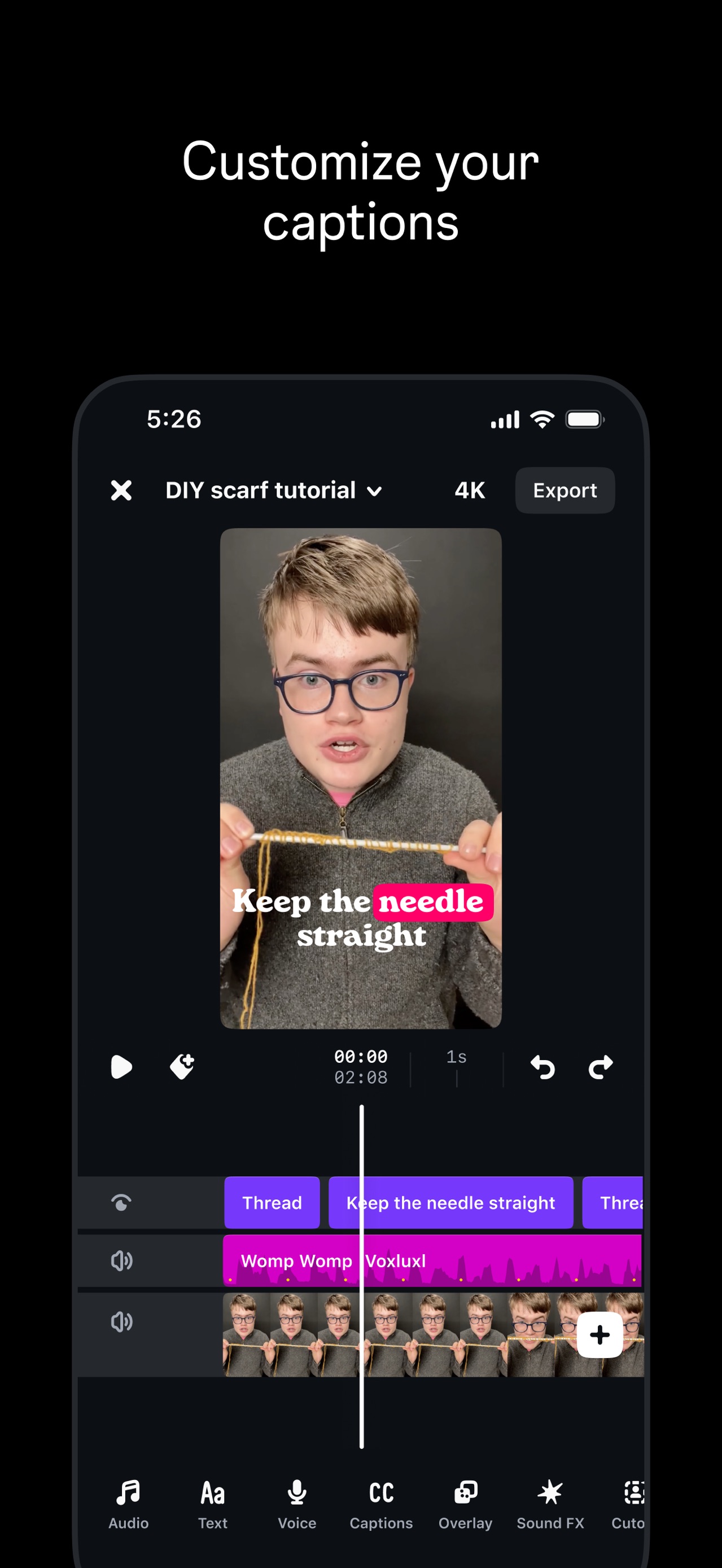
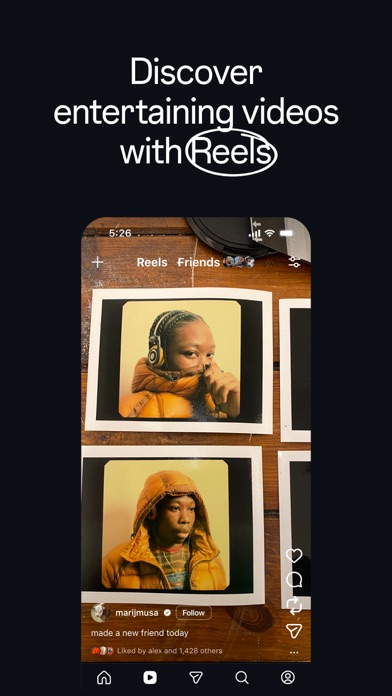
The set begins by showcasing the vast scale of a user's library before highlighting smart organization, emotional memory generation, and ending on professional-grade creative control.
iPhone gallery
The complete screenshot set
Select any frame to study its layout, content, and palette.
Explore by detail
Study the system behind the set
Design analysis
What makes this set work
Apple’s screenshot strategy for the Photos app is a masterclass in content-first design. By utilizing a minimalist floating-device layout against a stark white background, they ensure the user’s vibrant photography remains the focal point. The copywriting follows a strict 'Action + Benefit' formula, using bold verbs like 'Browse' and 'Relive' to drive engagement. A designer can steal the 'invisible UI' approach: notice how the system chrome is secondary to the imagery, with captions set in a neutral monochrome to avoid competing for attention. This layout choice reinforces the app's purpose as a canvas for memories. The consistent typography and spacing across all slides create a rhythmic, premium feel that mirrors the polished iOS experience.
Keep exploring