All apps
View on App Store
4.6
82K ratingsScreenshot story
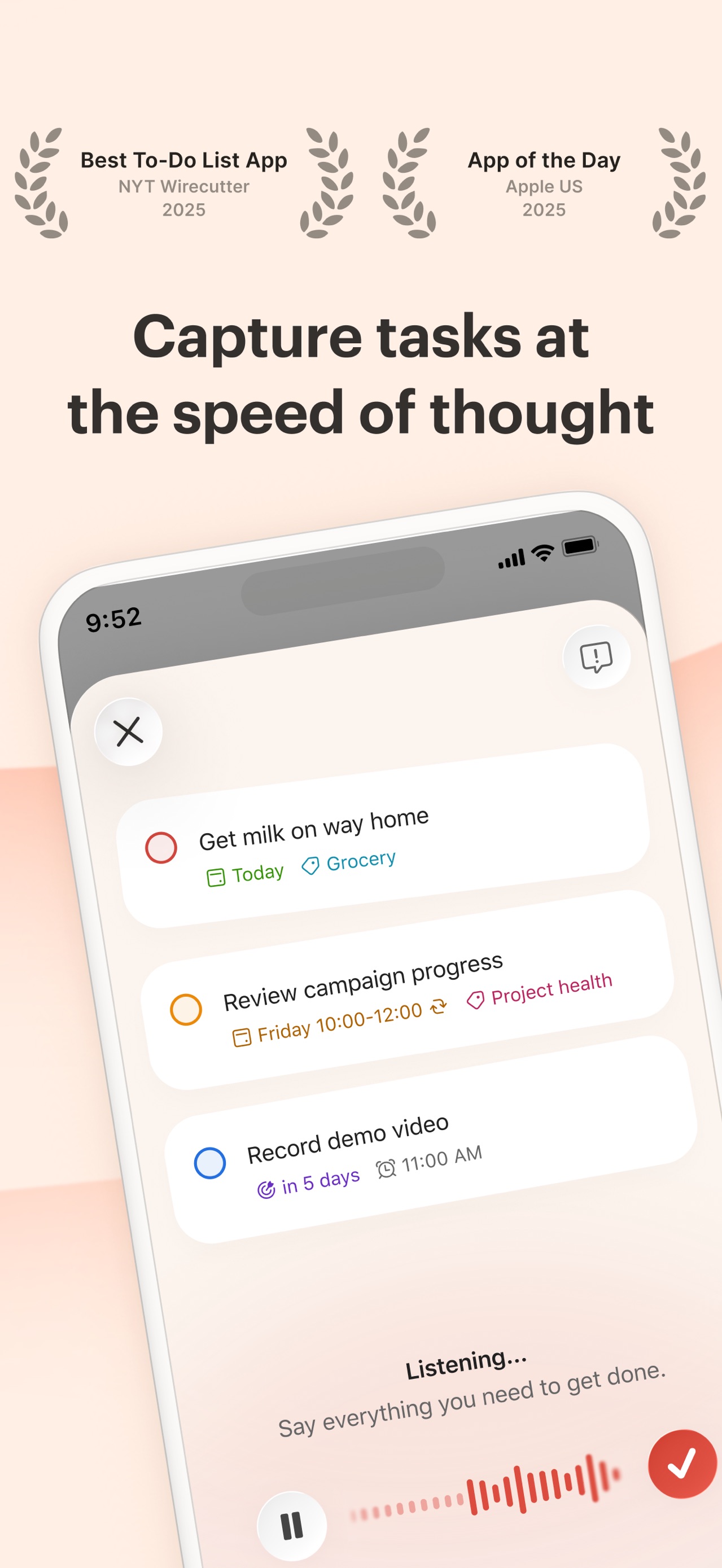
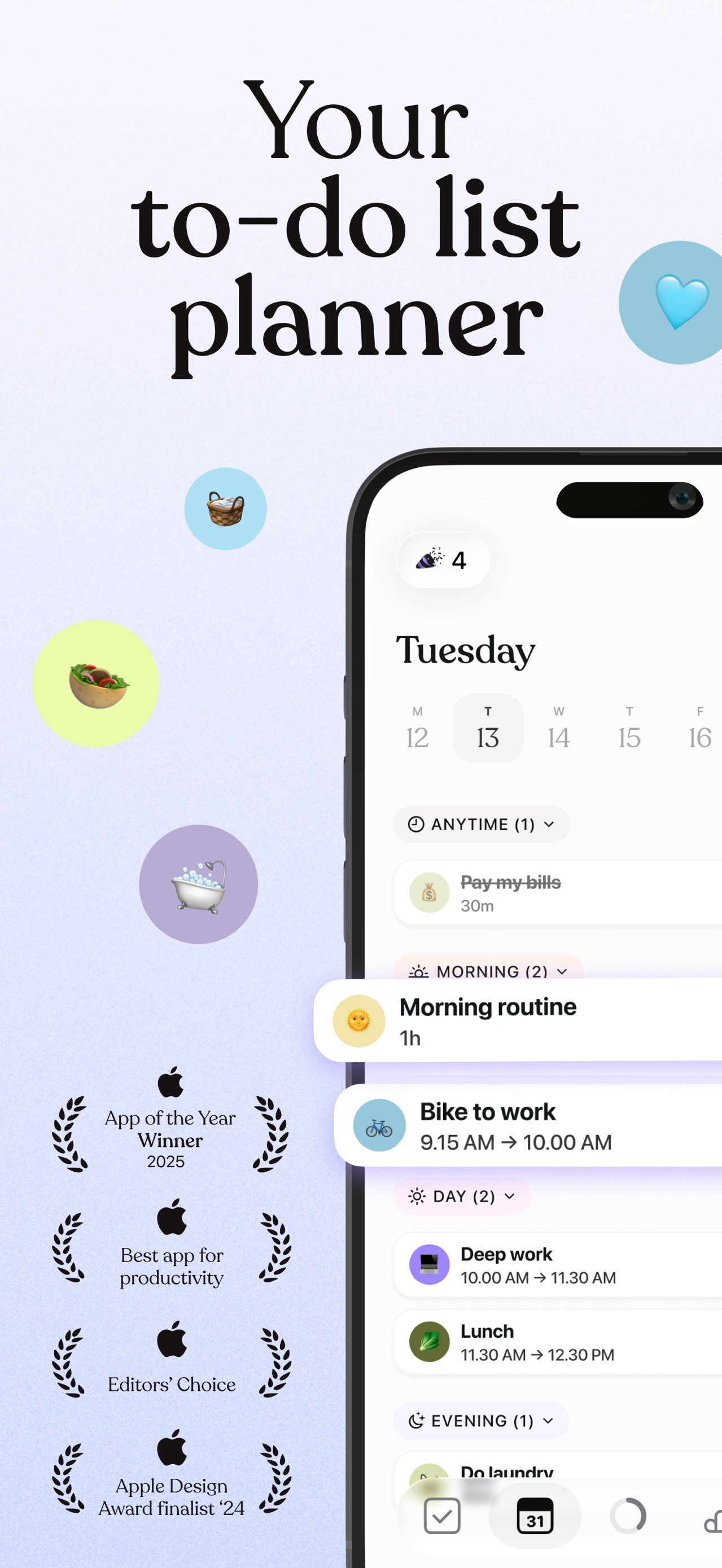
The journey begins with an emotional hook and social proof to build trust, followed immediately by the AI value proposition. It then systematically demonstrates personal productivity features before concluding with a strong case for team collaboration and shared workflows.
iPhone gallery
The complete screenshot set
Select any frame to study its layout, content, and palette.
Explore by detail
Study the system behind the set
Design analysis
What makes this set work
Spark employs a highly disciplined visual template: a bold sans-serif headline over a royal blue to white gradient, featuring a floating device frame. This layout creates a sense of airiness and focus. Their strategy relies on 'UI isolation'-rather than showing a full, cluttered inbox, they frequently use floating modals (like the Priority or Account panels) that overlap the main screen. This technique directs the eye to the specific feature being described while maintaining context. Copywise, they use a consistent two-line hierarchy: a bold benefit followed by a functional descriptor. Designers should note the use of subtle drop shadows and bright accent colors (green, orange, purple) to categorize information without breaking the clean, professional aesthetic.
Keep exploring