All apps
View on App Store
4.8
88K ratingsScreenshot story
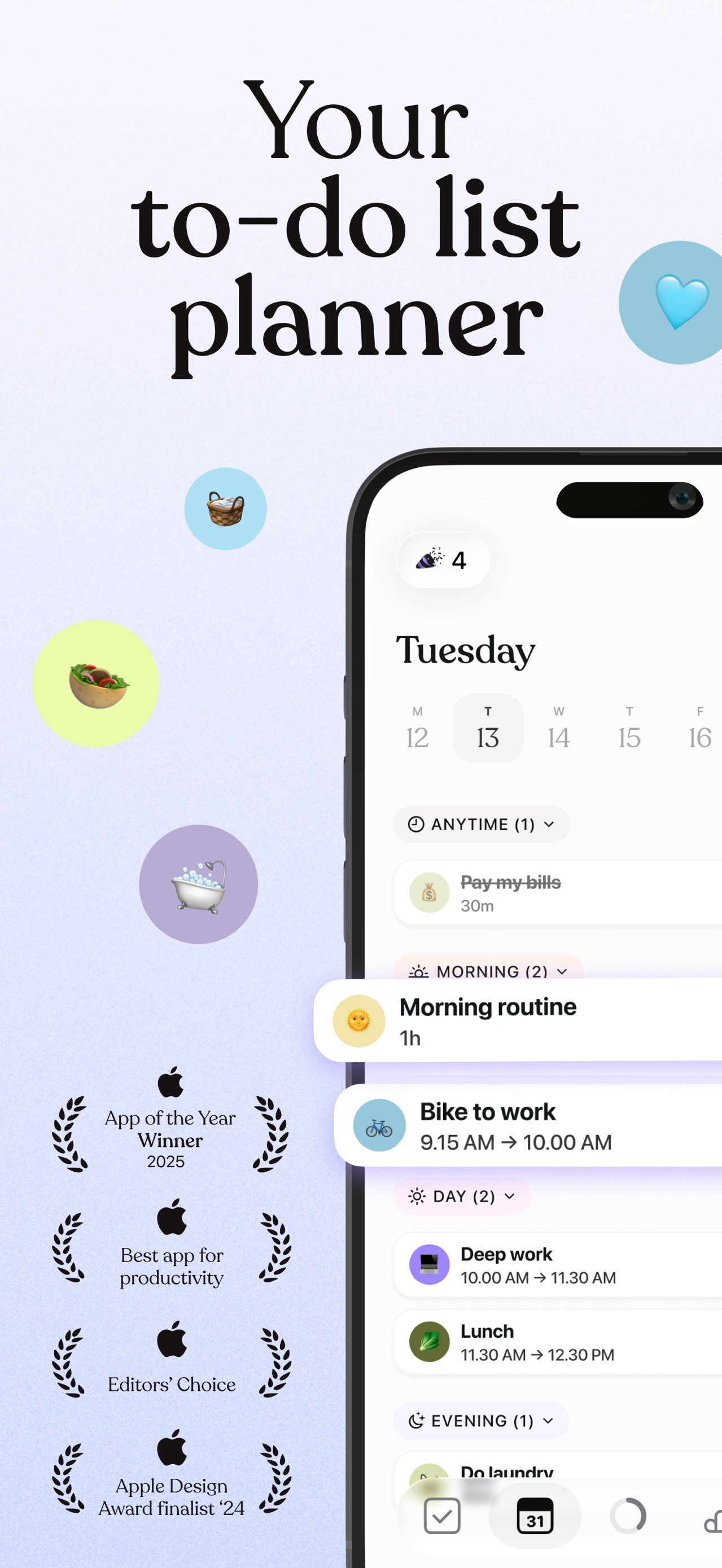
The story begins with a promise of a beautifully organized life, illustrating specific personal and professional workflows before concluding with a comprehensive checklist of all-in-one features.
iPhone gallery
The complete screenshot set
Select any frame to study its layout, content, and palette.
Explore by detail
Study the system behind the set
Design analysis
What makes this set work
Notion’s screenshot strategy is a masterclass in minimalist, high-utility branding. By utilizing a stark white background and heavy black Sans Serif typography, they maintain a 'blank canvas' aesthetic that mirrors the app's core value proposition. The layout remains hyper-consistent: centered floating devices showing legible, relatable data like 'Amsterdam trip' or 'Gift Ideas'. This focus on content over chrome proves versatility. A designer should steal the bookend technique-using bespoke brand illustrations to open and close the set. This adds a human, playful touch to a complex productivity tool, softening the learning curve. The copywriting is equally disciplined, using short, four-word imperatives that emphasize outcomes rather than just technical features.
Keep exploring