All apps
View on App Store
4.8
75.7K ratingsScreenshot story
The story begins with personal organization and habit tracking, then expands into creative expression through recaps, finally landing on a community-driven social experience with book clubs.
iPhone gallery
The complete screenshot set
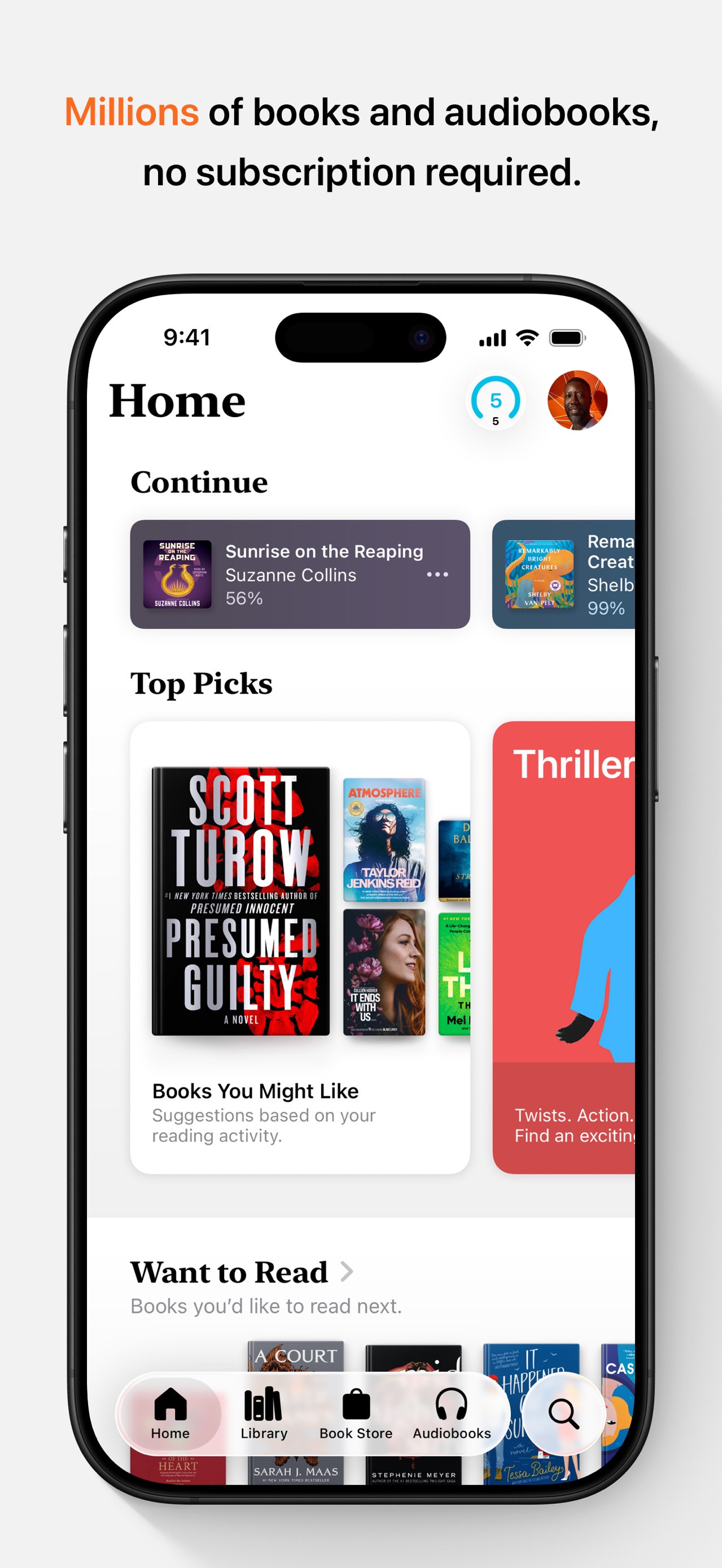
Select any frame to study its layout, content, and palette.
Explore by detail
Study the system behind the set
Design analysis
What makes this set work
Fable uses a sophisticated, 'literary' aesthetic characterized by elegant serif typography and an earthy, muted color palette that evokes high-end stationery. The layout strategy utilizes floating UI panels with soft shadows and rounded corners against deep gradient backgrounds, creating depth without feeling cluttered. A key design strength is the use of non-standard UI elements-like stickers and half-star ratings-to signal a more tactile, human experience than typical trackers like Goodreads. Designers should steal the 'feature-plus-vibe' approach, where technical screens (stats, lists) are paired with playful illustrative touches (emojis, stickers) to maintain an approachable, community-first feel.
Keep exploring
More in Books