All apps
View on App Store
4.8
6.6K ratingsScreenshot story
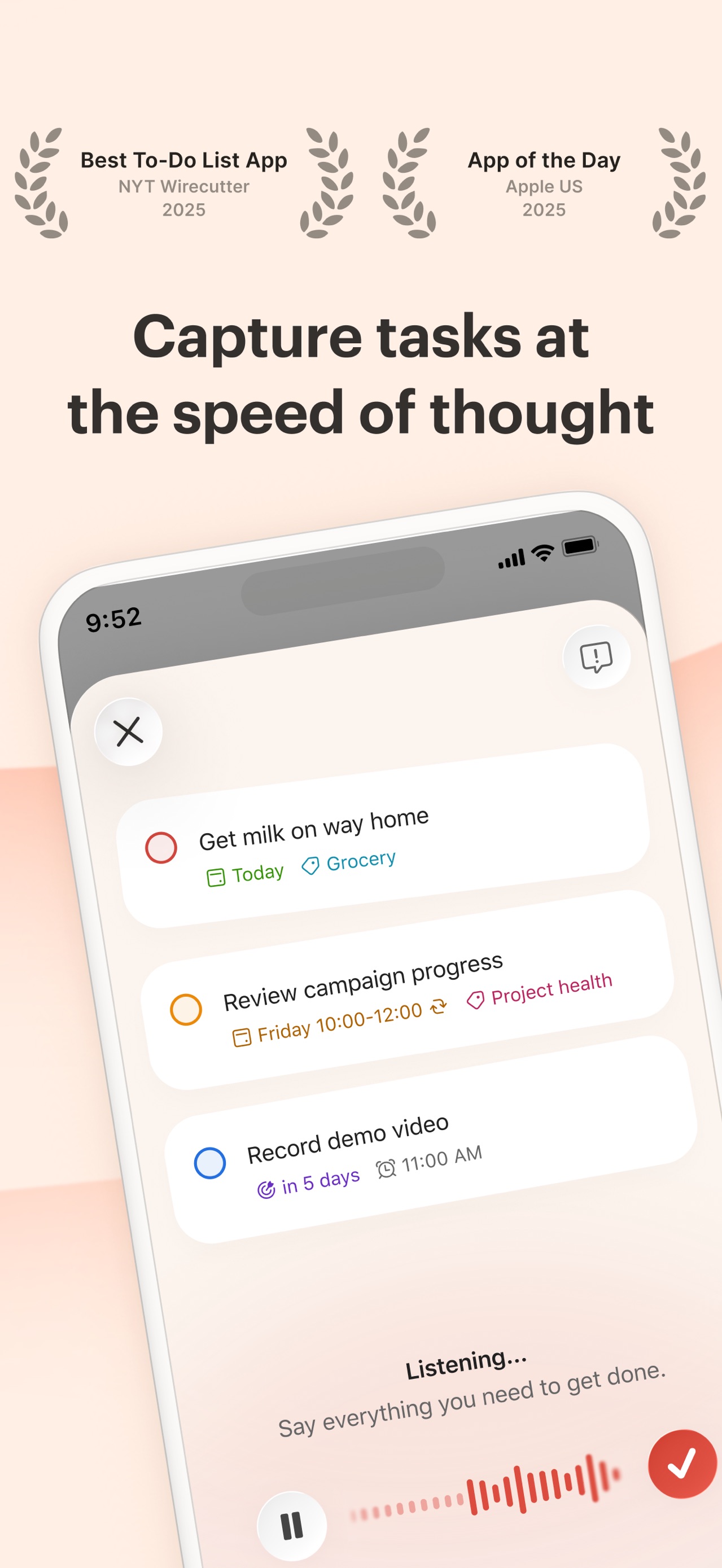
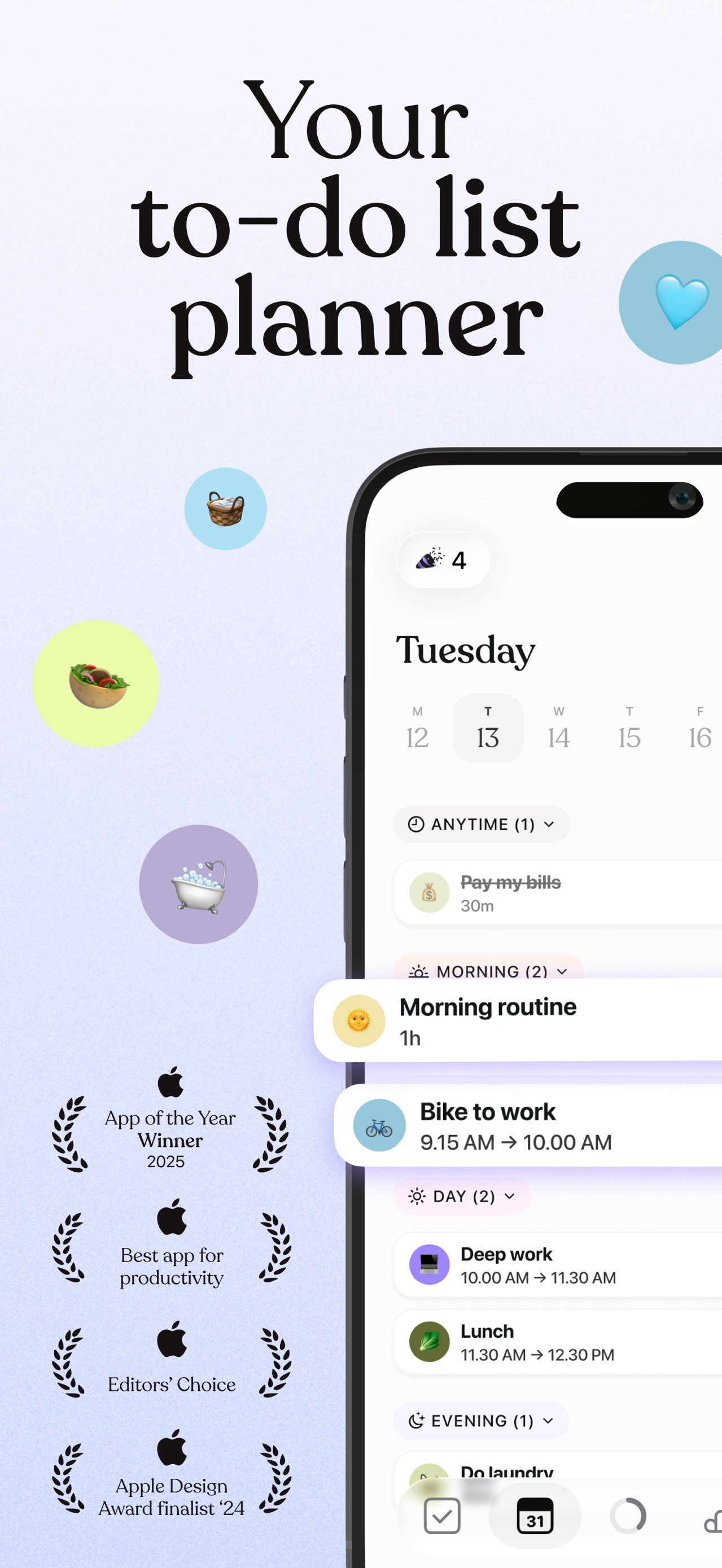
The journey begins by framing the app as a holistic life tool with industry accolades, then demonstrates core utility through writing and task management, before highlighting advanced creative and AI capabilities, finally concluding with a checklist of technical power-features.
iPhone gallery
The complete screenshot set
Select any frame to study its layout, content, and palette.
Explore by detail
Study the system behind the set
Design analysis
What makes this set work
Craft’s screenshot strategy is a masterclass in editorial-inspired product marketing. By utilizing an olive green and parchment-based color palette, they distance themselves from the typical 'electric blue' tech aesthetic, opting for a vibe that feels more like a physical stationery brand or high-end magazine. The typography choices-specifically the mix of clean sans-serif headers and elegant serif document bodies-reinforce this 'craftsmanship' identity. Designers should emulate how they use soft, blurry background gradients that change slightly per slide to maintain visual interest without distracting from the UI. The final slide’s use of high-contrast icons and hand-drawn annotations (like the 'Offline mode' circle) provides a human touch that makes the technical robustness feel accessible and tactile.
Keep exploring